How-to guide
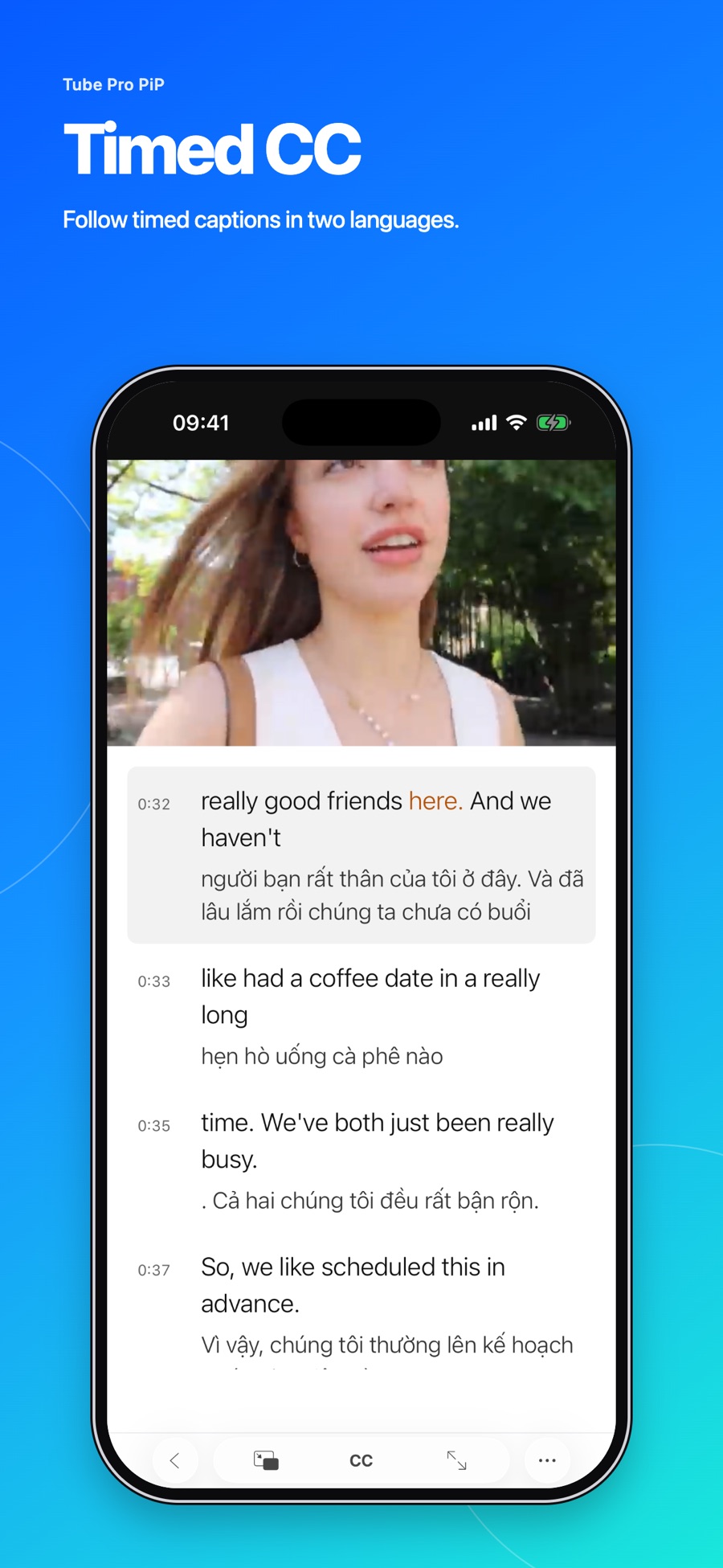
How to use bilingual captions in Tube Pro PiP
Display two caption languages, replay a caption line, and adjust subtitle size, color, and placement when supported tracks are available.
Read the story 3 min read tubeproPiP
THE TUBEPROPIP EDIT
Interesting videos, grounded perspectives, and a better way to fit them into your day.
Display two caption languages, replay a caption line, and adjust subtitle size, color, and placement when supported tracks are available.
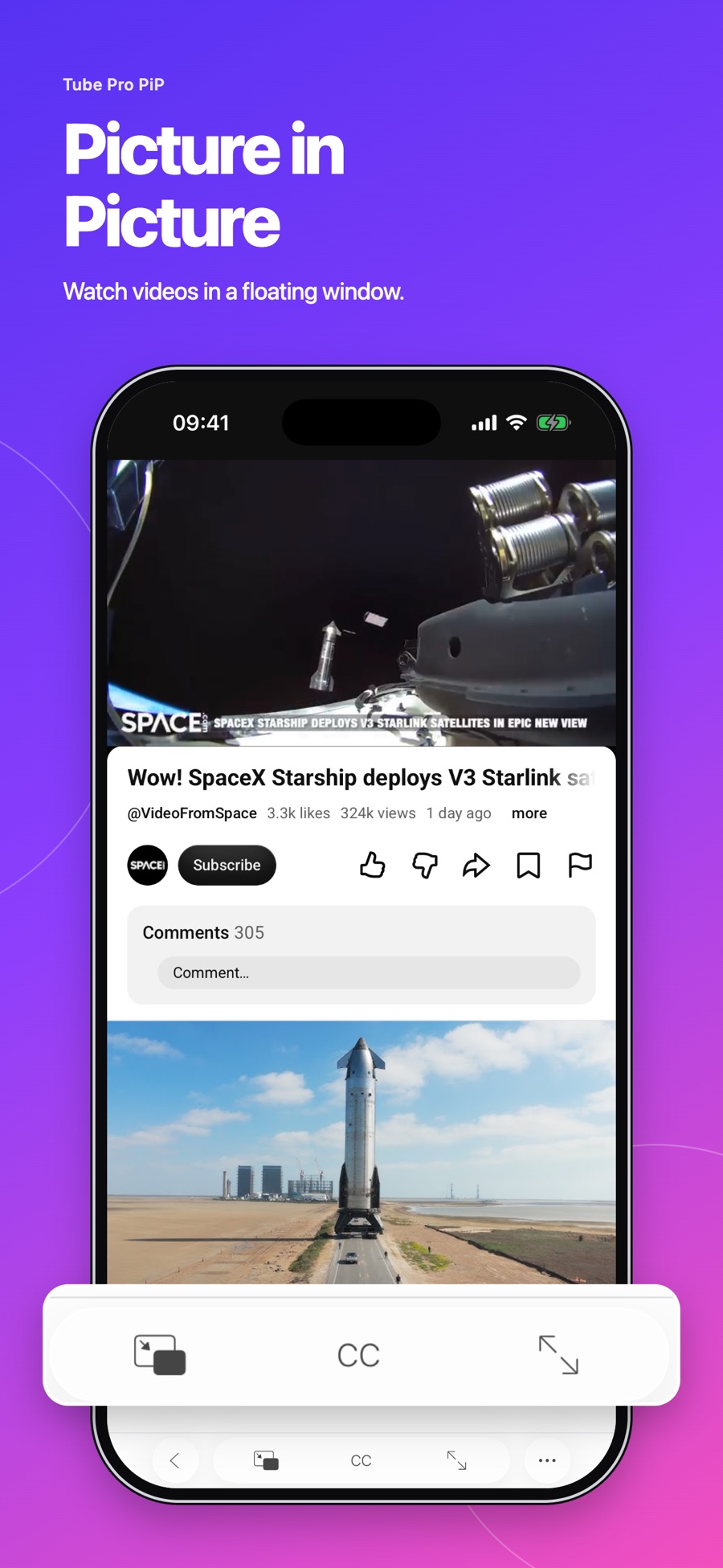
Read the story 3 min readSet up Picture in Picture in Tube Pro PiP to display supported videos in a floating window above other apps.
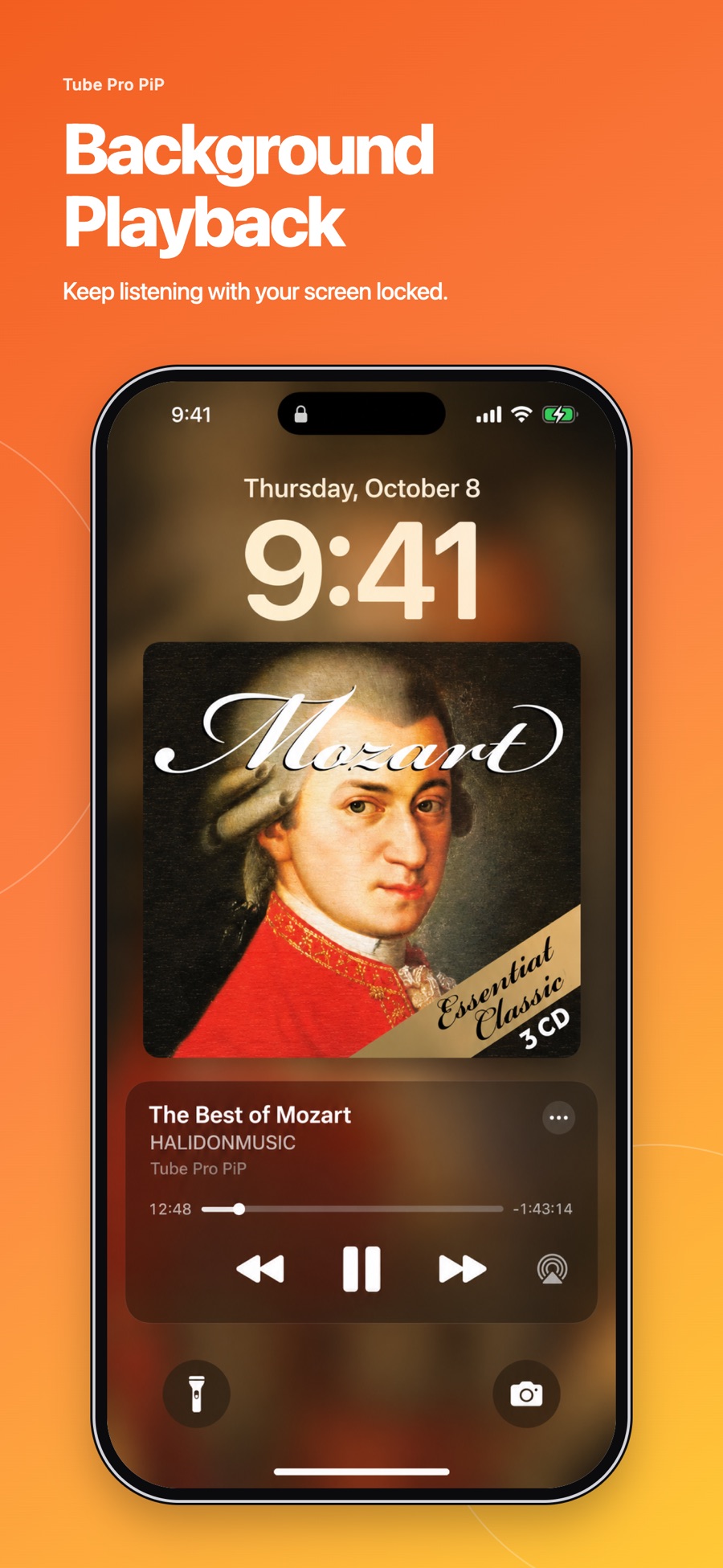
Read the story 3 min readSet up background playback and Lock Screen controls for supported YouTube videos in Tube Pro PiP on iPhone and iPad.
Read the story 3 min readDisplay two caption languages, replay a caption line, and adjust subtitle size, color, and placement when supported tracks are available.
Read the story 3 min read