How-to guide
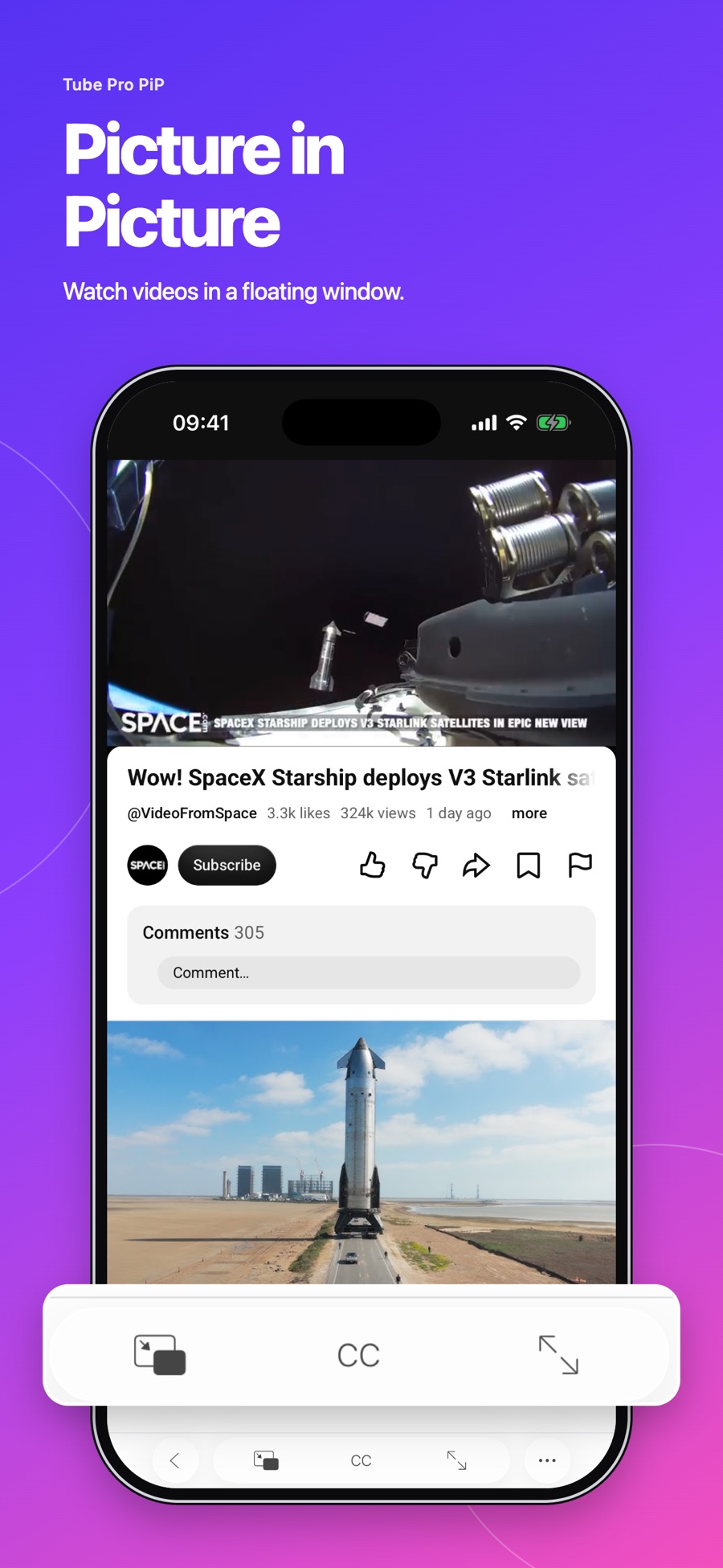
How to use Picture in Picture on iPhone
Set up Picture in Picture in Tube Pro PiP to display supported videos in a floating window above other apps.
Read the story 3 min read tubeproPiP
THE TUBEPROPIP EDIT
United States — Interesting videos, grounded perspectives, and a better way to fit them into your day.
Stories appear after source review. Explore our practical guides while you wait.
Set up Picture in Picture in Tube Pro PiP to display supported videos in a floating window above other apps.
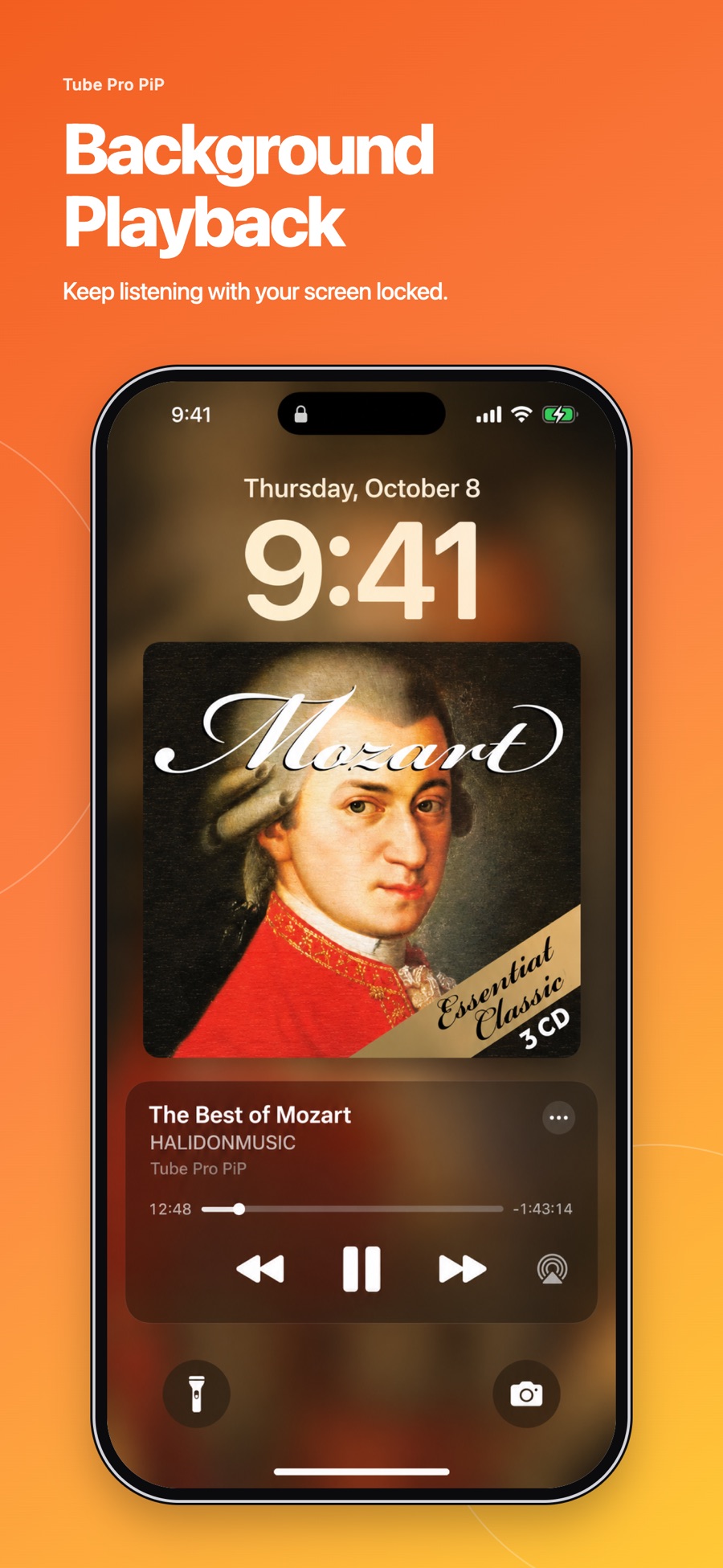
Read the story 3 min readSet up background playback and Lock Screen controls for supported YouTube videos in Tube Pro PiP on iPhone and iPad.
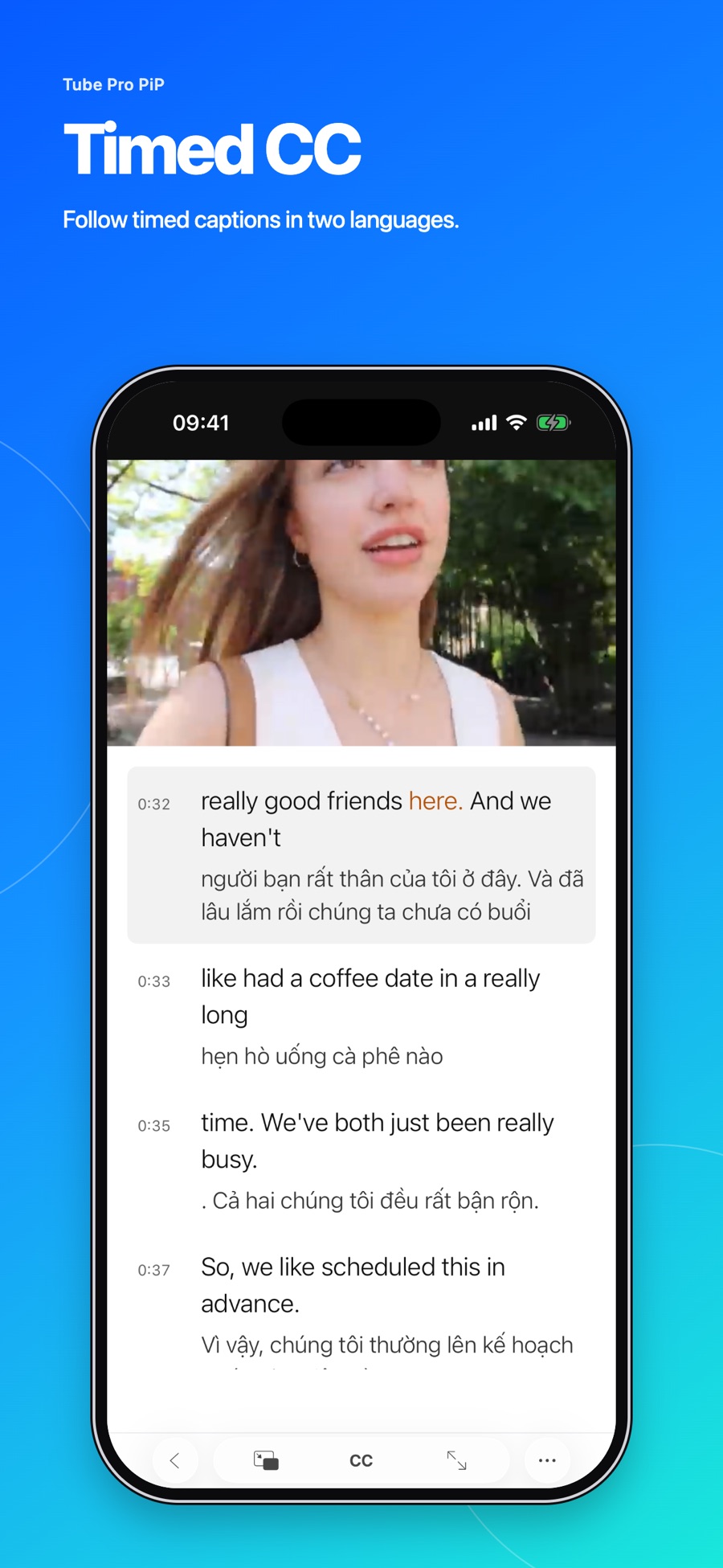
Read the story 3 min readDisplay two caption languages, replay a caption line, and adjust subtitle size, color, and placement when supported tracks are available.
Read the story 3 min read