Practical guides
How to Change Your YouTube Username: Handle & Channel Name
Learn how to change your YouTube username on iPhone, Android or desktop. Update your handle or channel name, check change limits and fix common problems.

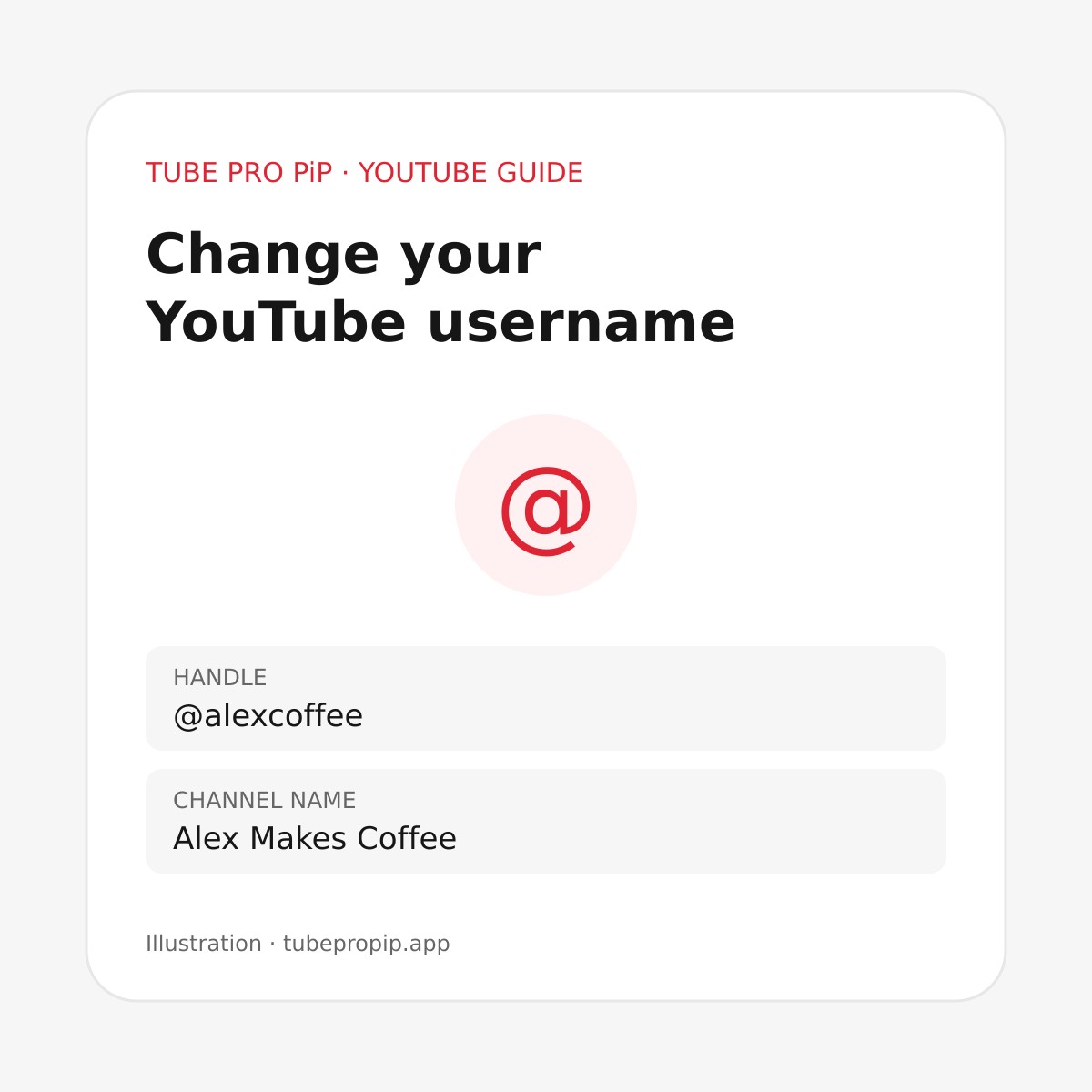
To change your YouTube username, edit your Handle for the public @name, or Name for your channel’s display name. On a computer, open YouTube Studio → Customization → Profile, edit the field you want, and click Publish. YouTube documents both settings here.
Before saving, decide which detail you want people to see differently. Someone looking at an old comment may mean their @handle; someone renaming a channel may want to update both fields. Follow the mobile or desktop steps below, then check your public channel.
YouTube username, handle and channel name
“Username” can refer to two different public details. Use this comparison to choose the right field:
| What you want to change | Field to edit | Example |
|---|---|---|
Your public @name |
Handle | @alexmakescoffee |
| The display title on your channel | Name | Alex Makes Coffee |
The address ending in /@name |
Handle | youtube.com/@alexmakescoffee |
Handles are unique and appear in comments, mentions, live chat and Shorts. The handle also determines your channel’s youtube.com/@… address. See YouTube’s handle overview.
For example, you might want your channel title to read Alex Makes Coffee, with the shorter handle @alexcoffee. Write down both desired values before editing so you can compare them with the finished profile. Treat all example handles in this guide as illustrations; check availability inside YouTube.
How to change your YouTube username on iPhone or iPad
Use the official YouTube app:
- Tap your profile picture.
- Choose View channel.
- Tap Edit.
- Find Handle and tap its edit icon.
- Enter your preferred handle, then tap Save.
To change the display name instead, edit Name on the channel editing screen. These are YouTube’s iPhone and iPad instructions.
Before entering anything, check that you recognize the channel picture and existing details. This is especially useful if you use one account for personal viewing and another for uploads. After saving, return to the channel page and compare the visible details with your intended spelling.
How to change your YouTube username on Android
In the YouTube Android app, tap profile picture → View channel → Edit. Edit Handle, enter the replacement and tap Save. For the display name, edit the channel’s Name instead. Refer to YouTube’s Android instructions.
If the screen looks different, identify the field by its label before typing. Avoid changing your wider Google Account details while looking for a YouTube profile control. If you cannot find the channel editor, use a computer and follow the Studio route below.
Change your handle or channel name on a computer
- Sign in to YouTube Studio.
- Open Customization → Profile.
- Edit Handle or Name.
- Click Publish.
You can also open youtube.com/handle while signed in to view or edit your handle. YouTube links to this shortcut in its handle guidance.
After publishing, open your public channel in another browser tab. Check the name, handle and copied channel link separately. If you maintain a website or social profile, keep a small list of places where you have shared the old address so you can update them together.
For watching on iPhone or iPad, Tube Pro PiP offers ad blocking, background playback and Picture in Picture for supported content. It is free to use forever. Manage your public name and handle through YouTube’s own account settings, then use our background-playback guide to set up listening in the app.
Change limits and what happens to old links
YouTube allows two handle changes within 14 days. It reserves the previous handle for 14 days, during which both handle URLs work. After that, someone else can select the old handle. This is a temporary transition period, so update shared links promptly. YouTube explains the handle change policy here.
The channel name also has a two-changes-in-14-days limit. A new name may take a few days to appear everywhere, and renaming a verified channel removes its verification badge. These details are covered in YouTube’s channel profile guidance.
Before changing either field, proofread the spelling and decide whether this is the identity you want to keep. If you share your channel professionally, test the new address before replacing links in email signatures, profile pages or printed materials.
Why you cannot change your YouTube username
The handle is unavailable or rejected
Choose another spelling and check YouTube’s validation message. For an English handle, the normal length is 3–30 characters. Handles ignore capitalization; supported separators include underscores, hyphens and periods, but separators cannot begin or end the handle. Different limits apply to some other writing systems. See the full handle naming rules.
Draft a few readable alternatives before trying again. For a fictional coffee channel, that could mean adding a meaningful word such as “brews” or “studio.” Read each candidate aloud and imagine typing it from memory. Avoid adding a long string of digits simply to finish the form quickly.
You already used the change allowance
Review when you last edited the field and wait for the relevant limit to clear. Repeatedly submitting alternatives is unlikely to help with a time-based restriction. Keep your preferred replacement in a private note so you can return to it later.
You edited a different channel or field
Reopen the public channel you intended to change and compare its existing details with the editor. If your goal is a different @name, check Handle specifically. Take note of the exact error message if saving still fails; it is more useful for troubleshooting than “the username does not work.”
Frequently asked questions
How do I change the username shown in YouTube comments?
Check your Handle, since YouTube uses handles in comments. Follow the handle instructions above, then inspect your public profile to confirm the saved value. Changing the channel’s display title is a separate edit.
Can I change my YouTube name without changing my Google name?
Yes. Edit the channel name in YouTube’s channel settings. YouTube says channel name changes apply to YouTube; Google Account profile details are managed separately. Use the channel editor when your goal is a new public YouTube identity.
Can I get my old YouTube handle back?
YouTube holds it for 14 days after a change so you can switch back, subject to the change allowance. After that period, do not assume it will remain available. Save a copy of your current channel link before making another edit.
Why does YouTube still show my old channel name?
A new channel name can take a few days to update across YouTube. Confirm that you saved or published the intended field on the correct channel before making another change. Recheck the public page later rather than spending another edit immediately.
More YouTube guides for iPhone
Once your profile is set, explore Picture in Picture on iPhone or how to stop autoplay on YouTube to adjust your viewing setup.